


.svg)


The Expense Agent is one of three AI agents now built into Business Central, alongside the Sales Order Agent and the Payables Agent. It takes an expense from receipt to reimbursement end to end, collecting it by email, web app or mobile, extracting and categorising the detail with AI, checking it against rules and policies, and pushing it through to approval, posting and payment. It's fully localised for Australia and New Zealand and is currently in public preview.
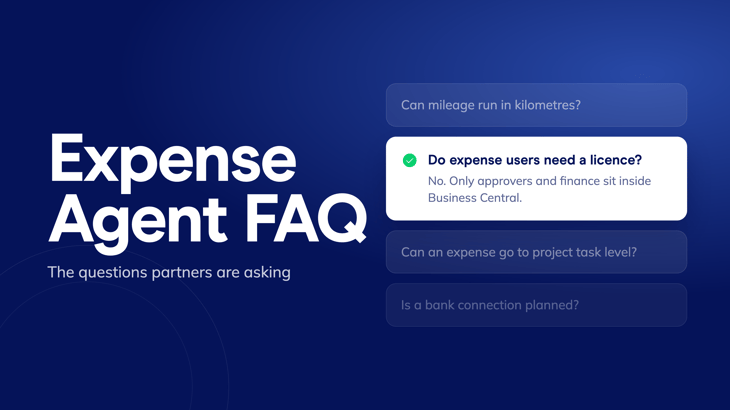
The detail that changes how partners scope and price it: expense users don't need a Wiise or Business Central licence at all. Only the people approving expenses and posting them to the ledger do. That means the whole workforce can submit expenses while only finance sits inside Business Central.
The setup is also where the real value sits. Categories, expense types, rules and policies are what the agent reasons with, so it only ever knows what's been configured into it, and that configuration is the billable expertise behind a good rollout.
Here are some of the questions we're hearing from partners and customers about the expense agent:
Is there a limit to how many receipts the OCR can scan?
Yes, but it's generous. A single expense report can include up to 25 files, and each file can be up to 10MB. That's more than enough headroom for a week of receipts, invoices and mileage claims in one go.
Can the Expense Agent be trained to read specific line items on a receipt?
It already does more than most people expect. If the detail is on the receipt, the agent extracts and auto-assigns it — no templates or pre-loaded vendor data required. Where a partner has a more specific line-item scenario in mind, it's worth working through with the Wiise team directly, since the answer often depends on exactly what's on the receipt and how the category is configured.
We've seen mileage calculated in miles — can it run in kilometres instead, with a standard cents-per-kilometre rate?
Yes. The mileage logic isn't locked to imperial units or a single rate structure — it can be configured to run in kilometres with a standard cents-per-km rate, which is the relevant setup for Australian and New Zealand customers.
Can an expense be assigned down to a project task level?
Now it can. This wasn't possible in earlier releases, but it's live as of the 28.5 and 29 releases — expenses can be tied to specific project tasks, not just the project itself. It's a meaningful upgrade for any customer running job costing alongside expense management.
If an end user works across more than one company, can they switch companies in the mobile app when submitting an expense?
At this stage, the Expense Agent — like the Sales Order Agent — is built to be company-specific rather than switchable mid-submission. That's not a gap so much as a design choice: it means different rules, categories and approval logic can be set up per company, which matters for the many customers running separate Australian and New Zealand entities. Each user's expenses are configured to route correctly for their company from the outset, rather than requiring a switch on the fly.
If a customer has Microsoft 365 with Teams, does that give them access to the Expense Agent on its own?
No — a Wiise (Business Central) environment is still the prerequisite. Once that's in place, users with Microsoft 365 licences can access the Expense Agent without needing to be full Wiise or Business Central users themselves. It's a useful distinction for any prospect who assumes their existing Microsoft 365 suite already covers it.
What are the options for approvals — can workflows be configured in both Business Central and Power Automate, and are there limits on how approvers are set up?
Yes to both. Approvals are validated against your rules and policies model-first, inside the module itself, with basic, interim, auto and deferred levels available out of the box. Power Automate flows and Copilot Studio agents can still run alongside the built-in approvals for anything more elaborate, so partners aren't limited to the agent's native workflow if a customer needs more.
Is a bank connection planned, so that expenses from company credit card payments are created automatically and the user is notified of pending items?
Not yet — that's outside the current preview. Card connectors and smart reconciliation, which would auto-create expenses from card payments and notify the user of anything pending, are on the roadmap as further AI research, currently slated to roll out between December and April.
Can a matrix be set up that puts dimensions against approval, and expense type against an employee's position and expense limit?
Not as a built-in matrix in preview. The closest fit today is rules set per category, location and effective date, combined with expense teams — the agent also suggests dimensions based on history. The requirement itself has been logged with Microsoft. Worth noting: dimensions in Business Central are designed for reporting context, not for modelling organisational structure, so a position-based limit matrix isn't a natural fit for them regardless of what ships next
Can a budget be set for staff or a vendor to claim expenses against, and can budget versus actual reimbursement be traced by cost centre?
No budget-type rule exists in the current preview. Once expenses have posted, though, budget versus actual by dimension can be tracked using standard Business Central G/L budgets — so the comparison is available, just not as a pre-approval rule inside the agent itself.
Can you confirm currency rates are drawn from the currency table?
Yes — conversions use the Business Central currency table, exactly like any other document in the system.
Got a question about the Expense Agent that isn't covered here? Send it through to the Wiise partner team and we'll get you a straight answer.